
Decimal Hours for Payroll
Decimal hours make work-time arithmetic easier because hours and minutes are converted into one numerical value.
For example:
7 hr 30 min = 7.50 hours
That allows a time value to be multiplied directly by an hourly rate in a simple arithmetic estimate.
The conversion itself is:
Decimal hours = whole hours + minutes ÷ 60
This page explains the arithmetic only. It does not determine which hours are compensable, what rate applies, overtime eligibility, taxes, deductions, or employer policy.
 View larger image
Why decimal hours are convenient for pay calculations
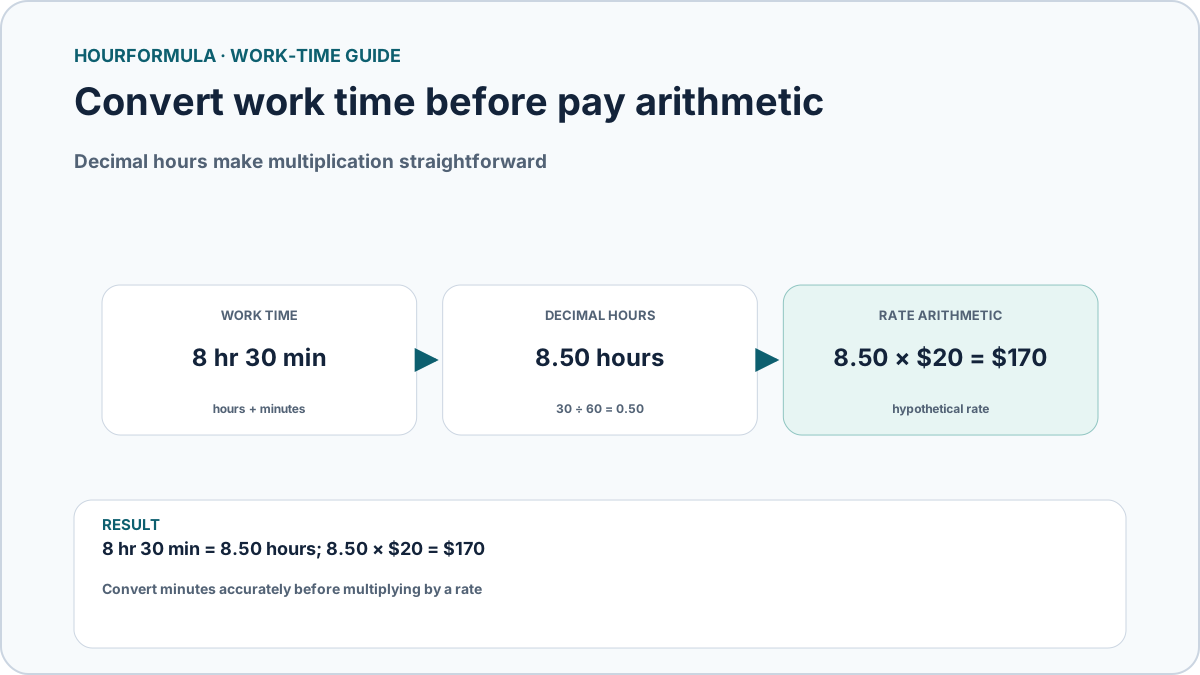
Suppose a time record shows:
8 hr 30 min
Keeping the value as hours and minutes requires mixed-unit arithmetic.
Converting it:
30 ÷ 60 = 0.50
Result:
8.50 hours
Now the duration can be multiplied by a numerical rate.
Example arithmetic at a hypothetical $20 per hour:
8.50 × $20 = $170
This is a simple numerical estimate, not a payroll determination.
Convert work time before multiplying
Example:
7 hr 45 min
Convert 45 minutes:
45 ÷ 60 = 0.75
Decimal time:
7.75 hours
At a hypothetical $24 per hour:
7.75 × 24 = 186
The important step is converting the minute portion correctly before multiplication.
Common work-time conversions
| Hours & minutes | Decimal hours |
|---|---|
| 7 hr 0 min | 7.00 |
| 7 hr 15 min | 7.25 |
| 7 hr 30 min | 7.50 |
| 7 hr 45 min | 7.75 |
| 8 hr 0 min | 8.00 |
| 8 hr 20 min | 8.3333… |
| 8 hr 30 min | 8.50 |
| 8 hr 45 min | 8.75 |
Values such as 20 minutes produce repeating decimals, so they may need rounding for display.
Why rounding order matters
Suppose three separate entries each contain 20 minutes.
Each exact entry is:
20 ÷ 60 = 0.333333… hours
Three entries total exactly:
60 minutes = 1 hour
If every entry is rounded to 0.33 before adding:
0.33 + 0.33 + 0.33 = 0.99
The difference is caused by early rounding.
When possible, a more accurate workflow is:
- keep worked time in exact minutes;
- total the minutes;
- convert the final total to decimal hours;
- apply whatever rounding rule the receiving system requires.
Decimal hours and overtime arithmetic are separate steps
Decimal conversion only changes the format of a duration.
For example:
45 hr 30 min = 45.50 hours
If you later compare that value with a selected threshold, that is a separate calculation.
Using a purely mathematical 40-hour threshold:
- total = 45.50 hours
- regular portion = 40.00 hours
- amount above threshold = 5.50 hours
This example does not determine whether a particular worker is legally entitled to overtime or which threshold applies.
Decimal time does not change the underlying duration
Converting:
8 hr 30 min
to:
8.50 hours
does not create or remove time.
Both values describe the same duration using different notation.
The decimal format is simply easier for arithmetic.
Common payroll-arithmetic mistakes
Avoid:
- writing 30 minutes as 0.30 hours;
- rounding every daily entry too early;
- assuming decimal conversion decides whether time is paid;
- treating a numerical pay estimate as a tax or payroll calculation;
- mixing different rounding methods within one total.